MP3s Aren’t Dead—They’re Yours: A 2026 Guide to Rebuilding a Clean, Legal Digital Music Vault
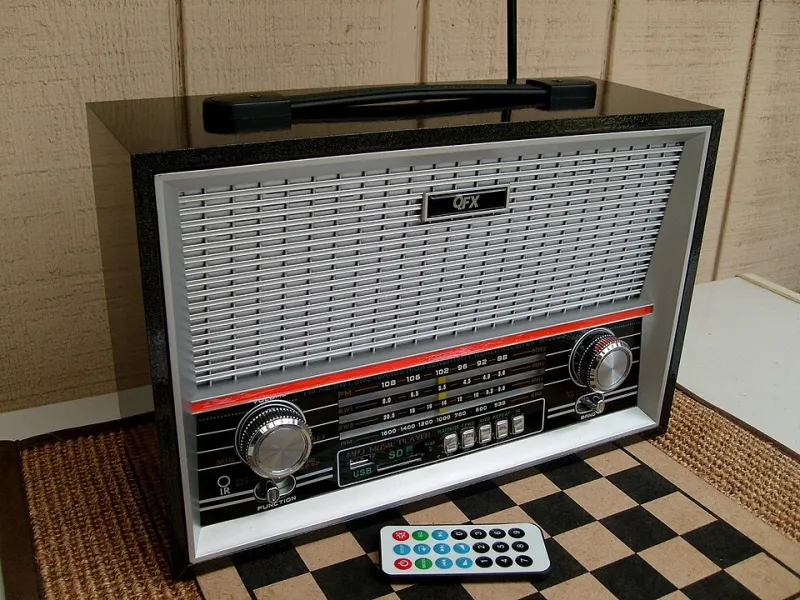
Photo: James Case from Philadelphia, Mississippi, U.S.A., CC BY 2.0, via Wikimedia Commons
MP3s have been declared dead more times than I can count. In 2026, that obituary is still premature. The format is not the future of high-resolution audio, and it is not the sexiest thing in your digital life. But it is durable, portable, and completely yours in a way that streaming playlists are not. If you have a folder of old MP3s rattling around on a laptop, you are sitting on a time capsule. The question is whether you want to preserve it or just keep moving it from drive to drive.
This is not a piracy guide. It is a preservation guide for people who own CDs, buy legal downloads, and want a clean library that does not depend on a subscription. The goal is less clutter, better tags, and a backup plan that survives a dead laptop.
The case for keeping a local library
Streaming is great for discovery. It is terrible for ownership. Albums vanish, remasters replace original mixes, and your saved songs can change because a licensing deal expired. A local MP3 library is not immune to hard drive failure, but it is immune to corporate catalog churn. You decide what stays. You decide how it is organized. For collectors, that control is the whole point.
MP3 also has a practical advantage: it plays almost everywhere. Old iPods, car stereos with USB ports, cheap MP3 players, and software from two decades ago will all read an MP3 file. FLAC sounds better on paper, but MP3 is the format that actually travels. A well-organized MP3 library is a working archive, not a museum piece.
Bitrate myths and the transparency trap
There is a lot of bad advice about bitrates. The short version: 128 kbps MP3s can sound fine on earbuds and bad on a good stereo. 320 kbps files are not automatically better if the source was a low-quality file that got converted up. Transcoding, or converting one lossy format to another, does not add detail. It just adds artifacts.
For a preservation-minded library, rip your own CDs to a lossless format such as FLAC when you can. Then make MP3 copies for portable use. If you are starting from existing MP3s, keep the highest-quality version you have and do not re-encode it. Variable bitrate around V0 or 256 kbps is a reasonable middle ground for everyday listening. If you want to test your own ears, try an ABX test. Most people cannot reliably tell a good 256 kbps file from a lossless file on typical headphones. That is not a crime. It is just reality.
Clean your tags before you clean your shelves
A messy MP3 library usually has messy metadata. Artist names are inconsistent, album titles have extra spaces, and track numbers are missing. Fix the tags first. MusicBrainz Picard is free and can match files to a reliable database. Mp3tag is a workhorse for bulk edits. Beets is a command-line option for people who like a project.
Use a consistent scheme: Artist, Album Artist, Album, Year, Track Number, Disc Number, Title, Genre. Do not put your own opinions in the genre field unless you use them for sorting. Keep guest artists in the title or a separate field, not in the main artist tag. If you have compilations, use Album Artist as Various Artists and put the individual artists in the Artist field.
Album art and folder structure
Album art matters more than people admit. A library with blank squares feels unfinished. Embed a 600x600 or 1000x1000 JPEG in each file, and keep a folder.jpg in the album folder. Do not use blurry screenshots. If the original art is unavailable, a clean text-only cover is better than a stretched image.
For folders, pick one structure and stick to it. Artist/Year - Album/Track - Title.mp3 is easy to read and sorts well. Some people prefer Artist/Album/Track - Title.mp3. Either works. What does not work is a folder called New Folder 3 with 400 files inside. Keep a master library in one place. Put incoming files in a separate staging folder, tag them, then move them into the library.
Backup like you mean it
A local library is only as good as its backup. Use the 3-2-1 rule: three copies, two different media types, one off-site. That can mean your laptop, an external drive, and a cloud backup. If you are serious, add a second external drive that stays offline. Check your backups. A drive that has never been restored is a hope, not a backup.
Keep a checksum file for large libraries if you want to detect silent corruption. Free tools can generate MD5 or SHA-256 hashes. It sounds nerdy because it is. It also saves you from discovering a dead file years later.
Legal sourcing without the sketchy stuff
Rip CDs you own. Buy legal downloads from Bandcamp, artist stores, and label sites. Use public-domain and Creative Commons archives such as the Internet Archive, Free Music Archive, and Library of Congress collections. Many netlabels release free albums under licenses that allow personal downloading. None of that requires a piracy tutorial. It just requires a little patience.
The point is not clutter
The point is a library you can use. Delete duplicates. Remove files you will never play. Keep the weird live bootleg you love, but label it clearly. A time capsule is only valuable if someone can open it. In 2026, a clean MP3 library is a small act of independence. It is also a great way to make sure the music you already paid for stays yours.